
01 / ONLINE
Let them choose before they arrive.
Your branded public website shows the shop, services, team and locations. Customers can choose a stylist, service and available time.
Current local demo · booking choices only; no booking submitted
Mirror combines a branded booking website with a working salon and barbershop system. Give customers a way to book, and give your team a clear way to welcome walk-ins, serve and check them out.
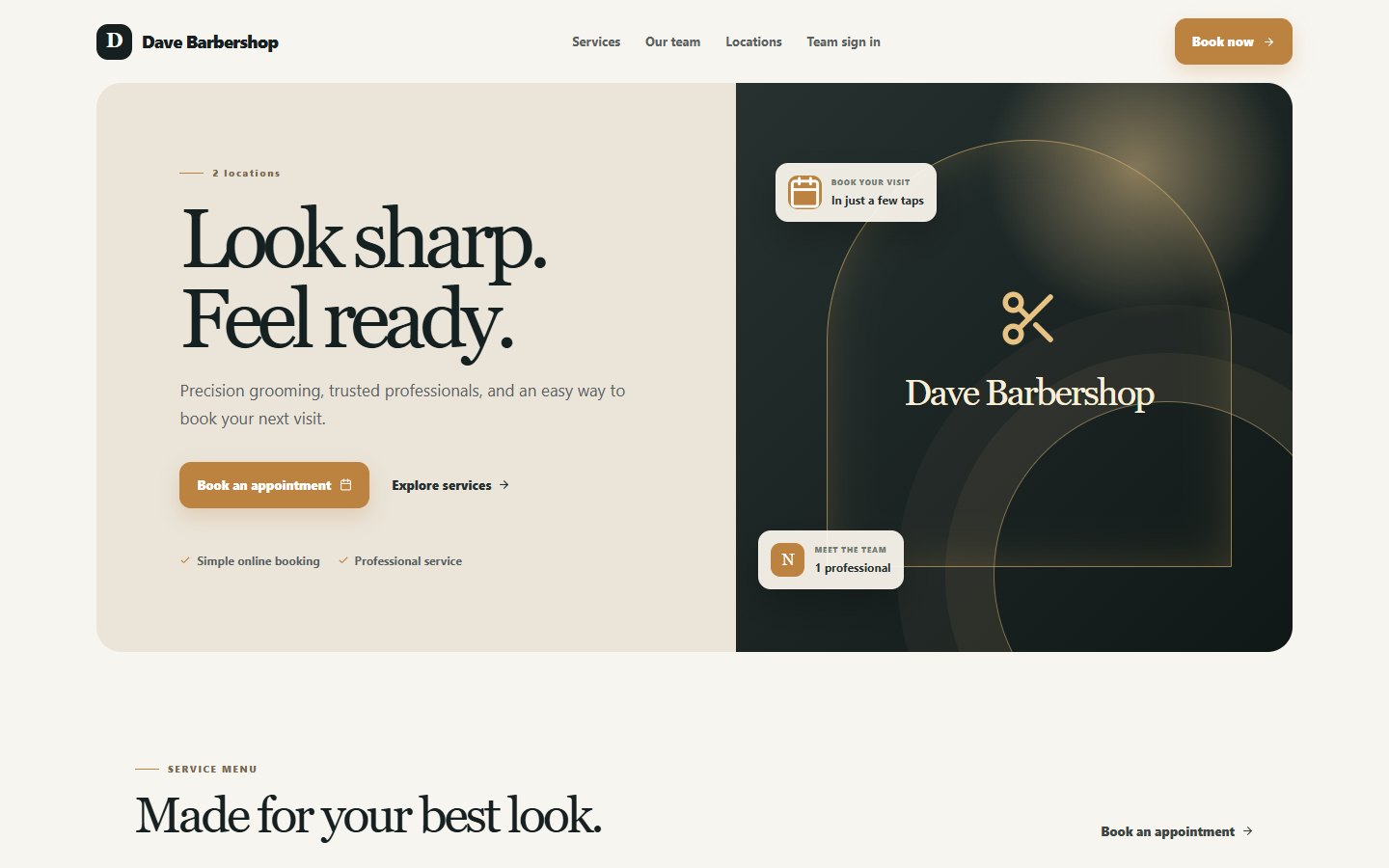 YOUR SHOP, ONLINE
Some customers choose their visit ahead of time. Others come through the door. Mirror gives each a clear route into the same day of work.
Your branded public website shows the shop, services, team and locations. Customers can choose a stylist, service and available time.
Reception can add a walk-in, assign a stylist and select services. A short name is enough when full customer details are unnecessary.
Mirror’s public page carries the business name and brand, with a direct route to booking. Appointments then appear in the working system.
Reception can see who is waiting, who is working and what still needs to be paid. The service stays connected to the stylist and the final checkout.
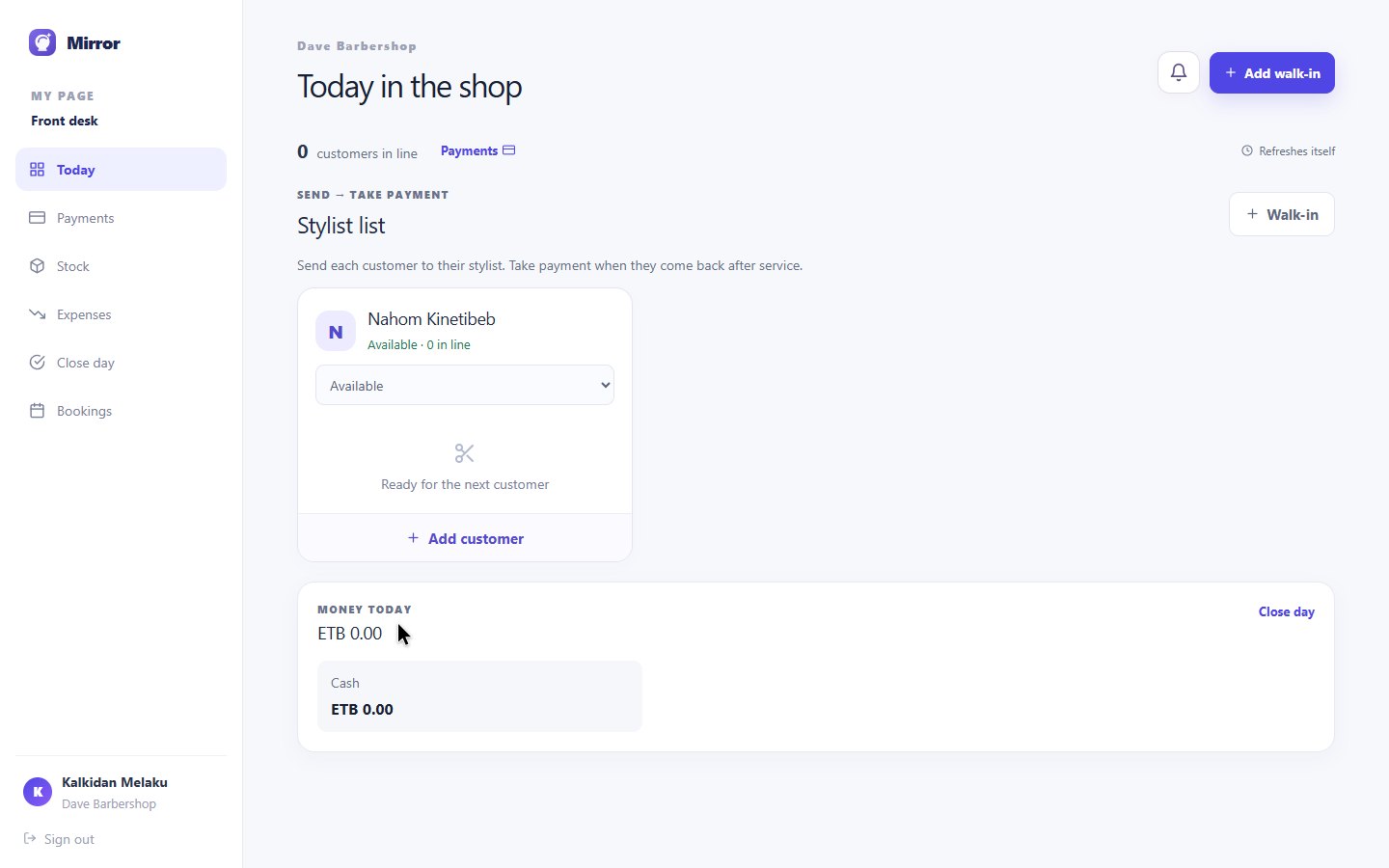
Bookings, walk-ins and stylist availability are visible where reception works.
The visit keeps its stylist and services together through checkout.
Checkout separates service value, optional VAT and the selected payment method.
Reception opens the customer’s visit, reviews the services and collects payment. The recording uses a fictional customer in Mirror’s training demo.
Each person sees the work that belongs to them, while the business stays connected.
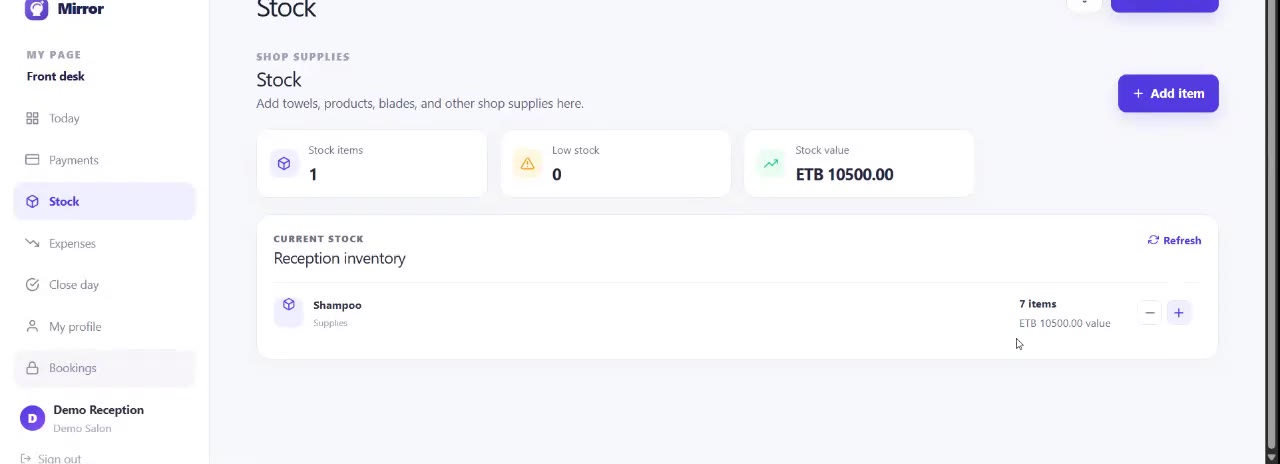
See bookings, stylist availability, the queue, payments, stock and expenses from the front desk.
A focused account shows the stylist’s customer queue, earnings, profile and day off tools.
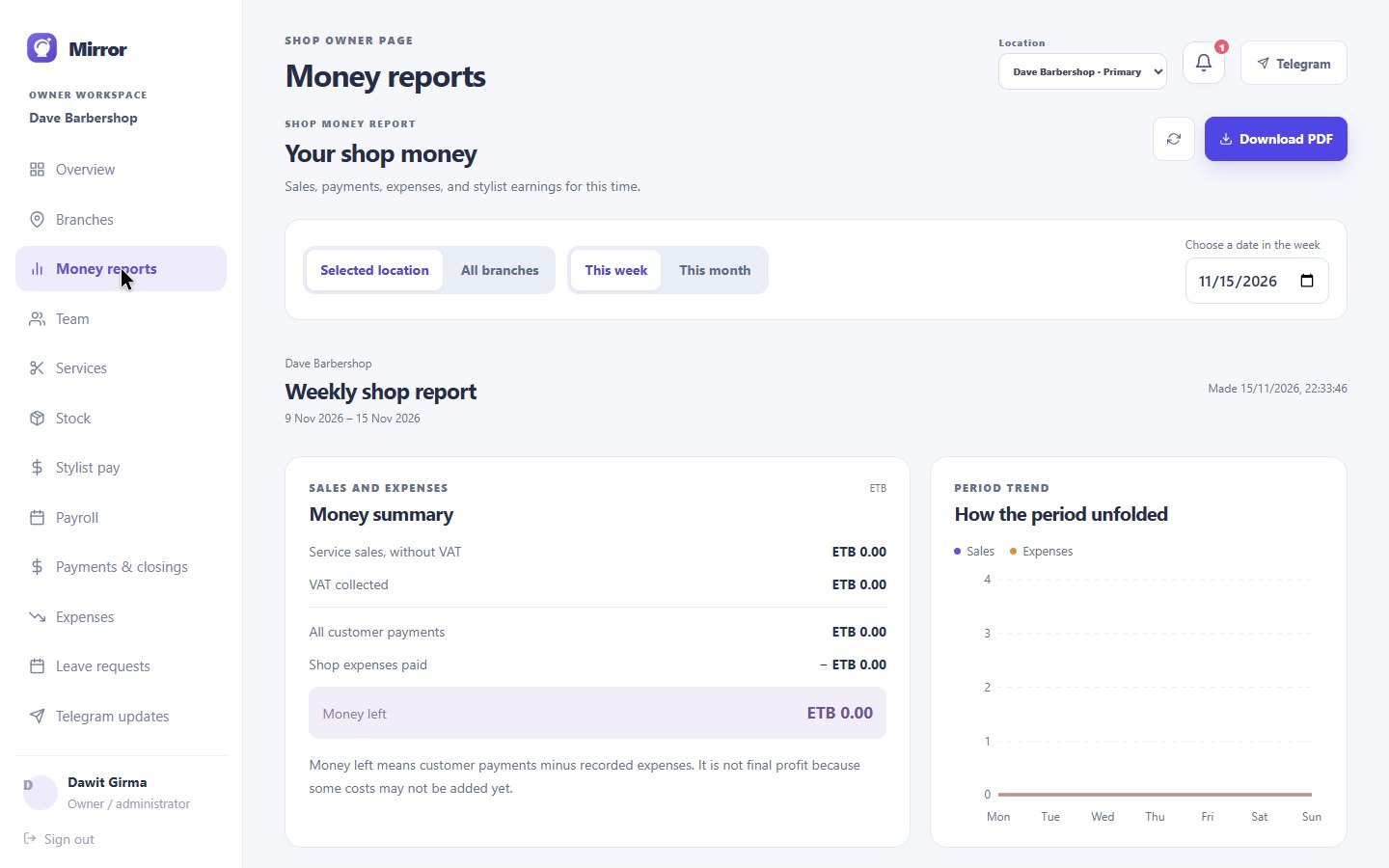
Review services, staff, payments, closings, supplies and locations from one owner workspace.
The reception screen above is from the current local demo. Stylist and owner capabilities are described from the working product.
Mirror connects daily service activity to money, people and supplies. Review a location or compare branches from the owner workspace.
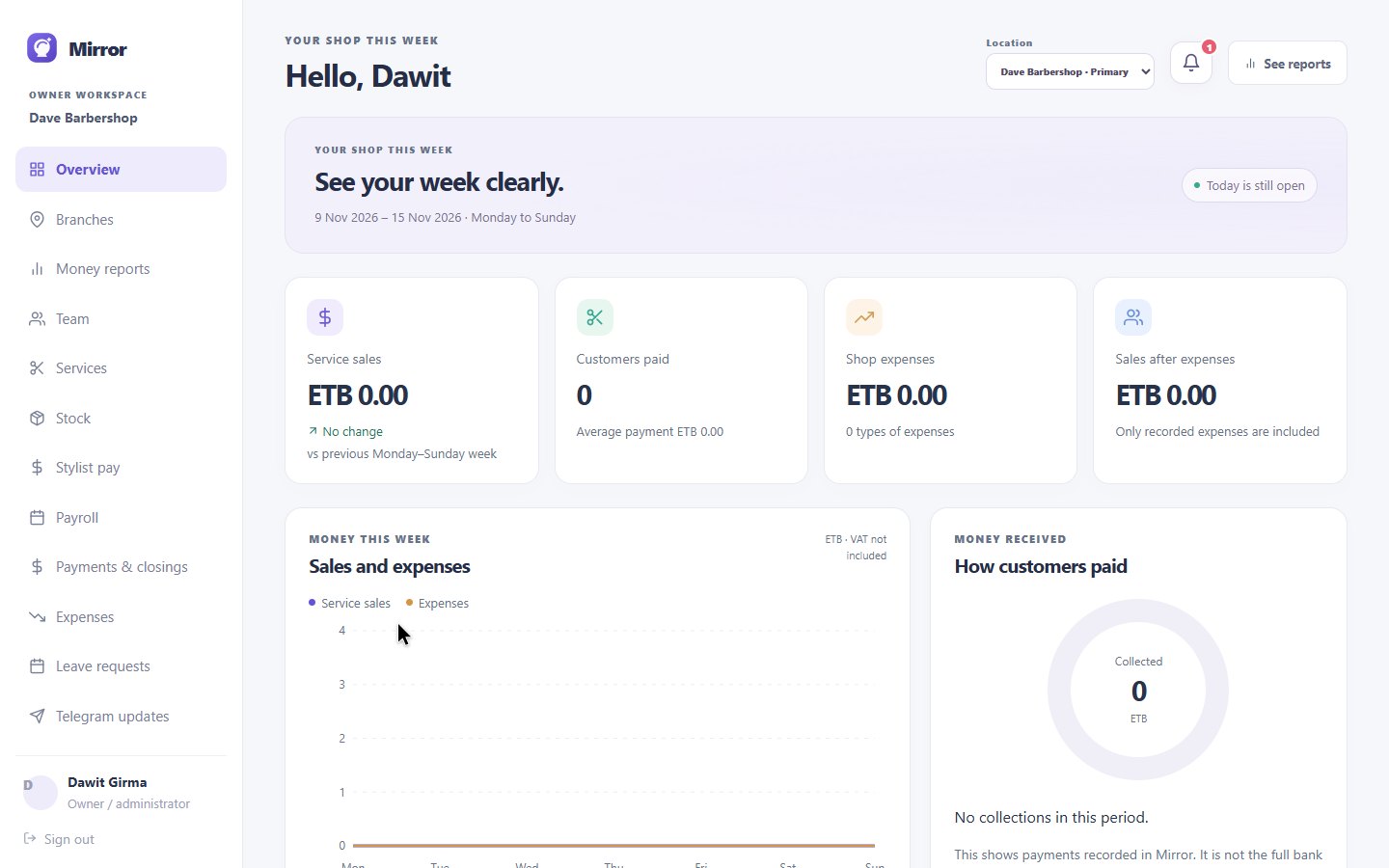
Filter service sales, payments, expenses and stylist earnings by period or location, then export a PDF.
Record stock changes and see low supplies before they interrupt the day.
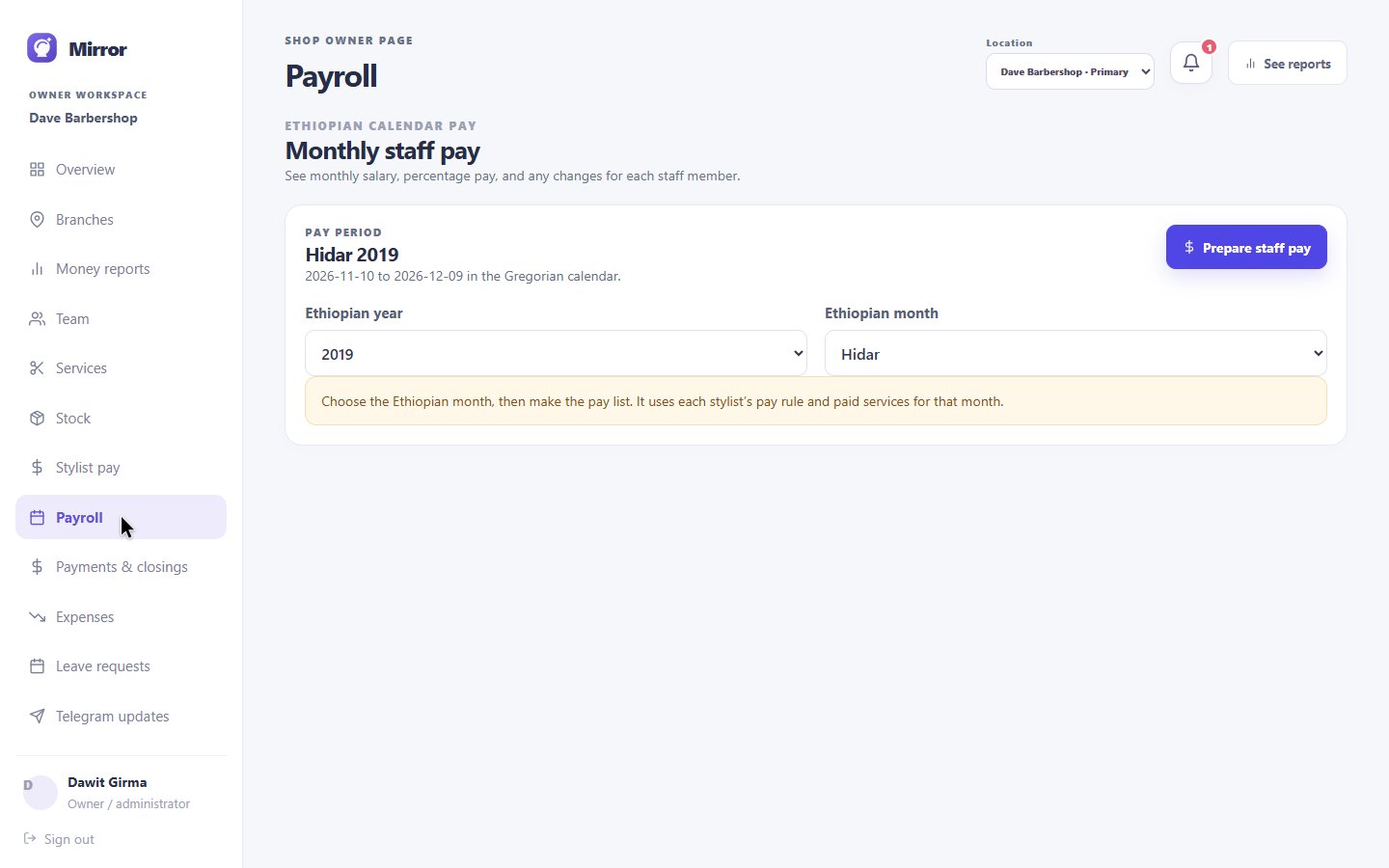
Set stylist pay rules and prepare monthly staff pay with the Ethiopian calendar.
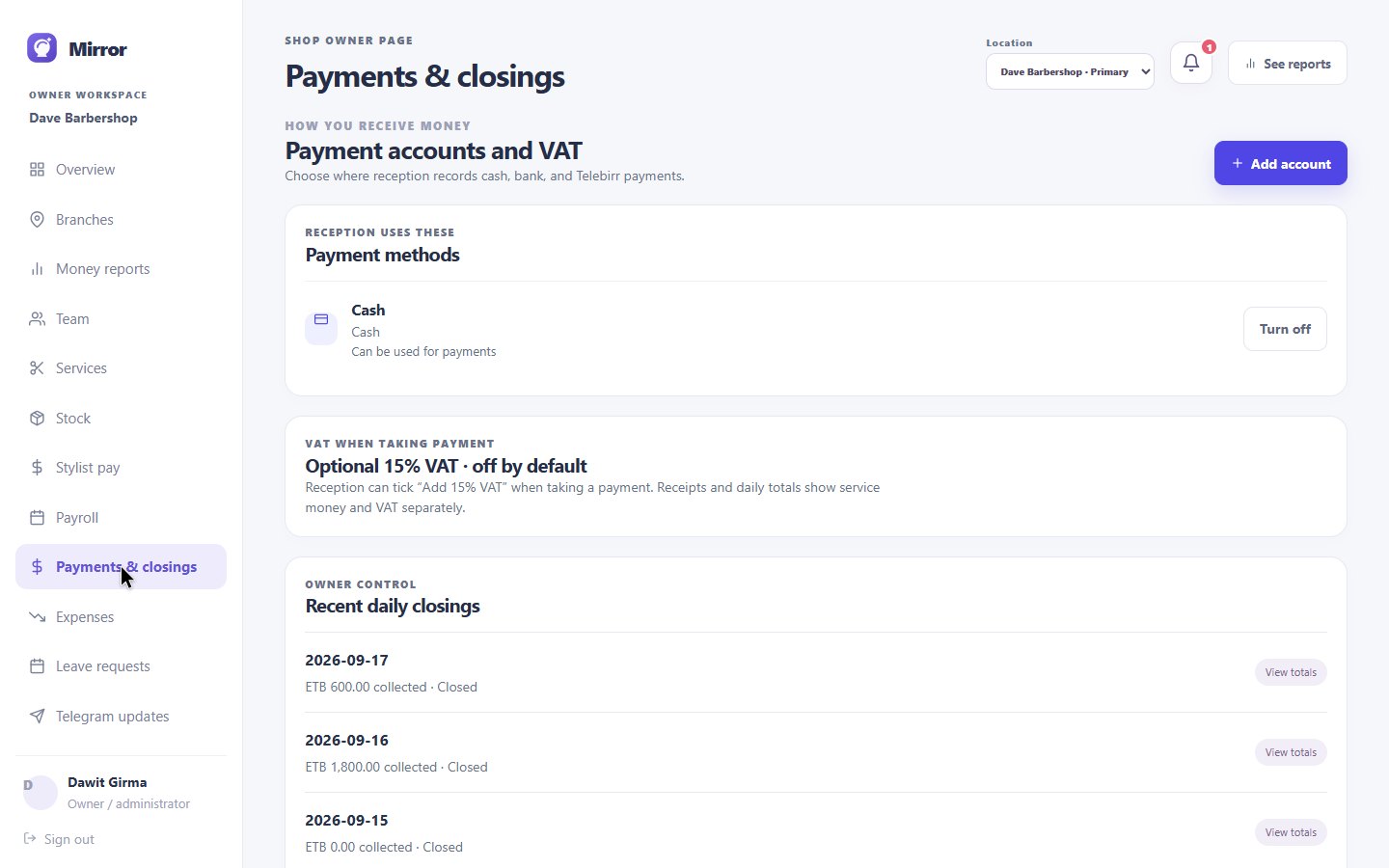
Reception reconciles the till and saves the close. The owner can return to the closing, payment accounts and expenses, while a connected Telegram bot can send the daily digest.
The branch digest brings customer flow, daily income, expenses and low stock into the owner’s chat.
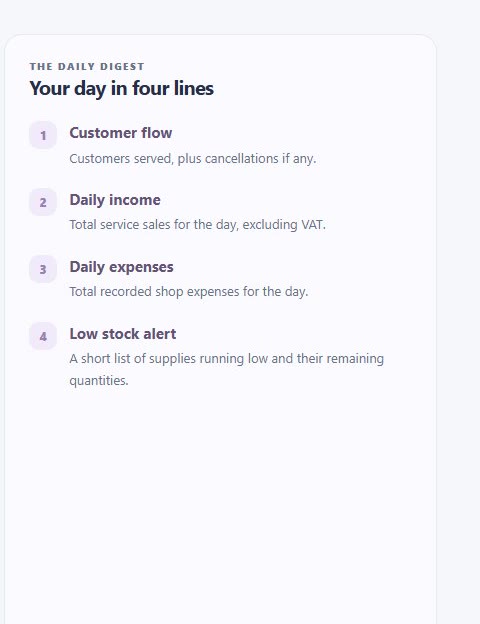 Actual Mirror digest panel. Delivery needs a connected bot and owner chat; a successful delivery in the local demo was not independently verified.
Mirror brings the customer-facing booking website and the daily work inside the shop into one system. The screens above come from its working local demo.
Yes. A branded website lets customers choose a service, stylist and available time. Reception can also add a walk-in, assign a stylist and select services from the shop workspace.
Reception manages the day’s queue and checkout. Stylists see their assigned customers, earnings and schedule tools. Owners can review services, staff, stock, payments, reports and locations.
Yes. Reception links a visit to its stylist and services, records the payment method, then reconciles the till at daily close. Owners can review saved closings and financial reports.
Mirror has a branch digest for customer flow, income, expenses and low stock. Delivery requires a connected Telegram bot and owner chat; live delivery in the local demo has not been independently verified.
Show us how you handle booking, walk-ins, stylists and closing. We’ll give you a guided tour of Mirror around your workflow.
Request a guided demo ↗